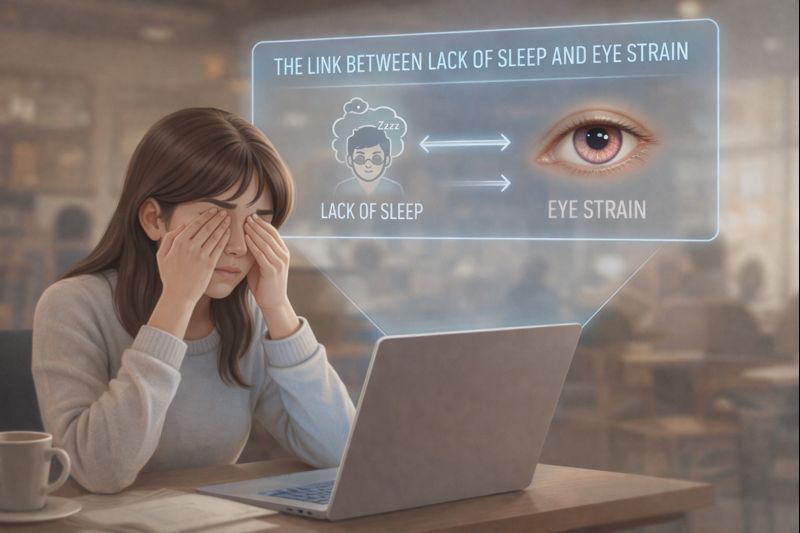

Eyes can water during computer use because an irritated or dry surface triggers additional tears. However, allergy, eyelid problems and tear-drainage difficulties are other possibilities. Repeated watering, especially in one eye, should not automatically be labelled screen strain.
It sounds contradictory: your eyes feel dry and gritty, yet tears run down your cheeks. The useful distinction is between having tears on the face and having a stable, comfortable tear film over the eye.
How dry eyes can still water
Tears normally spread across the eye with blinking and drain through small openings near the inner corners. Irritation can increase tearing. Problems with drainage can also leave excess tears. NHS guidance lists both dry-eye-related tearing and blocked tear ducts among causes of watery eyes. NHS watering-eye guidance
Screen concentration may make an existing surface problem more noticeable, but the timing alone does not prove the cause. A history and examination are needed when symptoms persist.
Patterns worth describing—not diagnosing
| What you notice | What to discuss with an eye-care professional |
|---|---|
| Watering with burning or grittiness during concentrated work | Whether the ocular surface, blinking or environment contributes. |
| Prominent itching, particularly with other allergy symptoms | Whether allergy is involved; do not assume all itching has the same cause. |
| Persistent overflow mainly from one eye | Whether eyelid position or drainage needs assessment. |
| Watering with pain, marked redness or reduced vision | Seek prompt assessment rather than treating this as ordinary screen strain. |
This comparison is not a diagnostic score. More than one cause can coexist, and symptoms do not always fit a tidy category.
Practical changes while arranging routine care
- Interrupt prolonged screen focus. Build brief changes of task and viewing distance into the workday.
- Make the text readable. Adjust text size and remove reflections instead of squinting at small lettering.
- Check the air around your face. Avoid a fan or vent blowing directly towards the eyes where practical.
- Avoid rubbing. Repeated wiping and rubbing can make an already uncomfortable area more irritated.
- Record the pattern. Note whether watering occurs away from screens, affects one or both eyes, and comes with itching, pain or blur.
These are supportive work-habit suggestions, not treatment for a diagnosed drainage problem, infection or allergy. For a broader explanation of visual-task discomfort, see Johns Hopkins guidance on eyestrain.
Do not choose treatment just from the word “watering”
Different causes need different management. A lubricating product, an allergy medicine and a treatment for blocked drainage are not interchangeable. Ask a clinician or pharmacist for advice appropriate to the symptoms, and do not borrow prescription eye drops. Contact-lens wear adds another reason to seek advice early if redness or discomfort develops.
What to bring to an appointment
When to seek care
Arrange an examination if watering is persistent, recurrent, mostly one-sided or affects daily activities. Eye pain, a change in vision, injury or significant redness should prompt quicker assessment. Seek urgent advice for a red eye while wearing contact lenses. Do not spend days experimenting with screen brightness when warning signs are present.
Quick answers
Does watering mean my eyes have enough lubrication?
Not necessarily. Tear overflow does not establish that the surface tear film is functioning normally.
Will blue-light glasses stop watering?
They do not identify or treat every possible cause. Establish why the eye is watering before relying on a lens feature.
Read our guide to computer vision syndrome for the broader screen-work picture. Your appointment notes are more useful than assuming the computer is the only explanation.
This article provides general educational information and does not replace an individual examination. No product has been personally tested for this article. About Meerawell