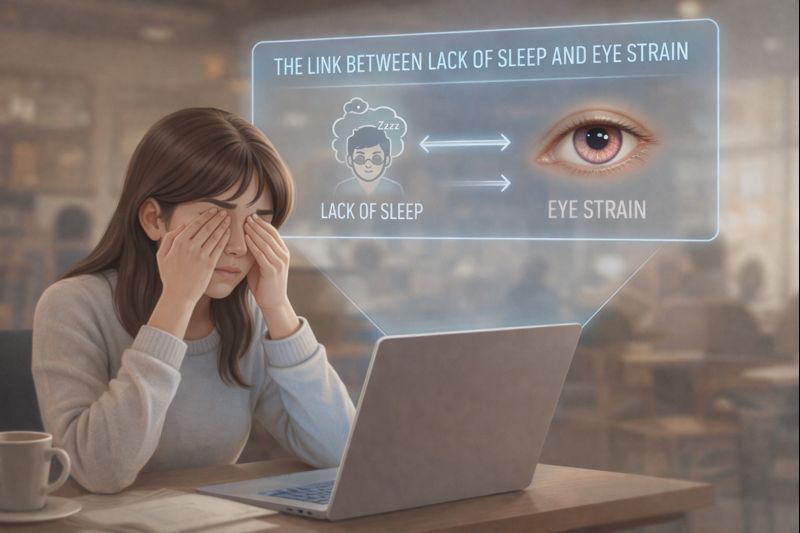
There is no single monitor brightness percentage that is best for everyone\’s eyes. The same percentage can produce very different light output on different displays. Start with comfortable room lighting, reduce reflections, and adjust the screen so ordinary reading does not require squinting or leaning in.
A colleague recommends 30%. A video insists on 70%. Both numbers leave out the monitor, the room and the task. A useful setup is one you can read comfortably in the conditions where you actually work.
Why the slider is not a medical measurement
A brightness slider controls a particular display. It does not by itself tell you the screen\’s luminance, surrounding illumination or how clearly your text is rendered. A percentage is useful for recording your own setting, not for prescribing the same setting to every reader.
The American Optometric Association\’s computer-vision guidance discusses lighting, reflections, viewing position and readable working conditions. Those interacting factors are more useful than treating a single slider value as the solution. AOA computer-vision guidance
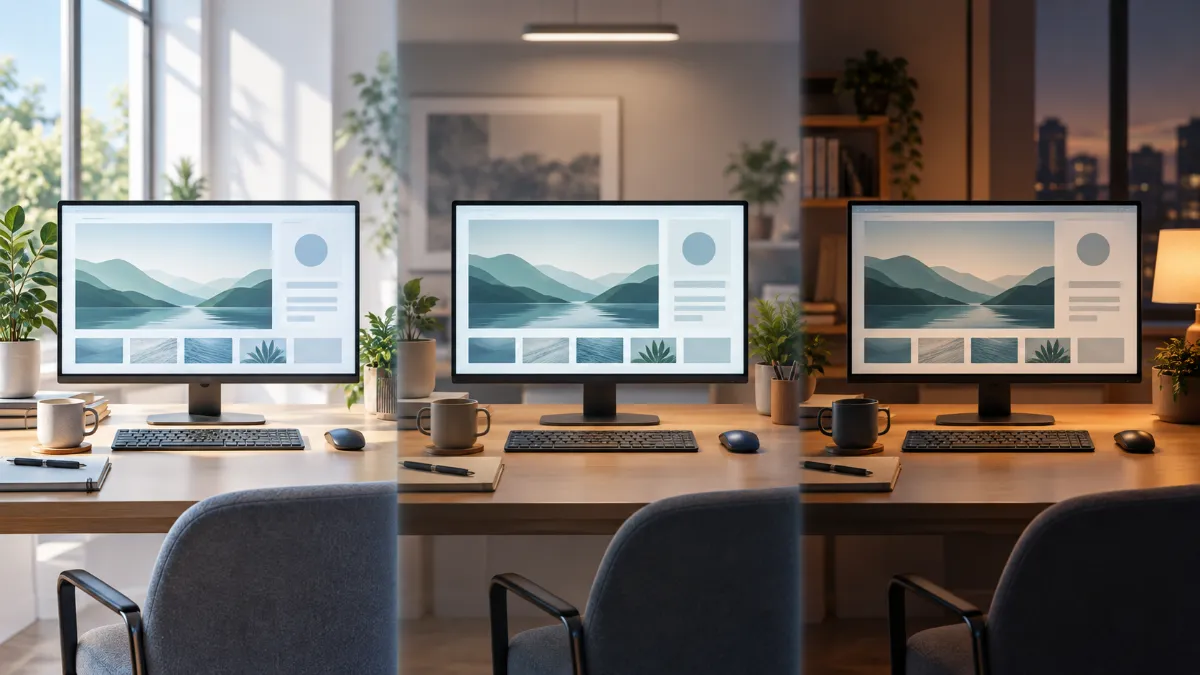
Three situations, three different adjustments
| Situation | First adjustment | Then check |
|---|---|---|
| Daylight reflected in the display | Change the screen angle or shade the reflection | Can you read without increasing brightness simply to overpower glare? |
| Bright office with very dim text | Make text and screen output comfortably visible | Are you leaning forward or squinting? |
| Dark room with a bright screen | Add comfortable ambient light and reduce excessive screen brightness | Does the page still remain easy to read? |
These examples are a practical demonstration. They do not specify a clinical brightness threshold or reproduce your device\’s actual light output.
A five-step setup routine
- Open your usual work. Use an ordinary document, spreadsheet or code editor. A video or colourful wallpaper may not represent your hardest reading task.
- Check reflections. Look for windows, bulbs or overhead lights reflected in the screen. Change their relationship to the display where practical.
- Set readable text. Use your display\’s appropriate resolution and increase application or system text scaling if needed.
- Adjust brightness gradually. Aim for comfortably readable content in the current room. If dimming makes you strain to read, undo that change.
- Recheck when the room changes. A morning setting may feel different after sunset. Record useful settings for your own workstation, rather than publishing them as universal rules.
Brightness, contrast and night mode are different
Brightness changes light output. Contrast affects the difference between elements. A dark theme changes the interface palette. Night settings commonly alter colour temperature. Changing all four at once makes it hard to know what helped. If white text appears smeared specifically in dark mode, evaluate readability separately from bedtime screen habits.
For general care, Mayo Clinic recommends considering glare, lighting, breaks and suitable vision correction. Adjustments can improve a work environment but cannot correct every cause of blur or discomfort. Mayo Clinic guidance
Keep your own settings note
When to stop adjusting and get checked
Repeated headaches, persistent blur or discomfort across multiple devices deserve an eye examination. Sudden visual loss, new double vision or severe eye pain should not be managed by experimenting with settings.
Quick answers
Is the lowest brightness safest?
Not necessarily the most comfortable. A screen that is difficult to read can encourage squinting and awkward positioning. Choose readable settings appropriate to the room.
Do I need to buy a monitor light bar?
Not automatically. Identify the actual lighting problem first. See our lighting guide for the topic, and our guide to computer vision syndrome for causes that lighting alone will not address.
This article provides general educational information and does not replace an individual examination. No product has been personally tested for this article. About Meerawell