Dark mode can make text look blurry for some people, but the symptom does not identify one cause. Your glasses prescription, tear film, text size, room lighting and the display itself can all affect clarity. Try a more comfortable theme and readable text size; arrange an eye examination if blur persists, changes or interferes with work.
You open a document in dark mode expecting relief. Instead, the white letters seem to glow or carry faint shadows. Switching the background helps, but leaves a reasonable question: is something wrong with your eyes, or with the screen?
Why white letters can look different on a dark background
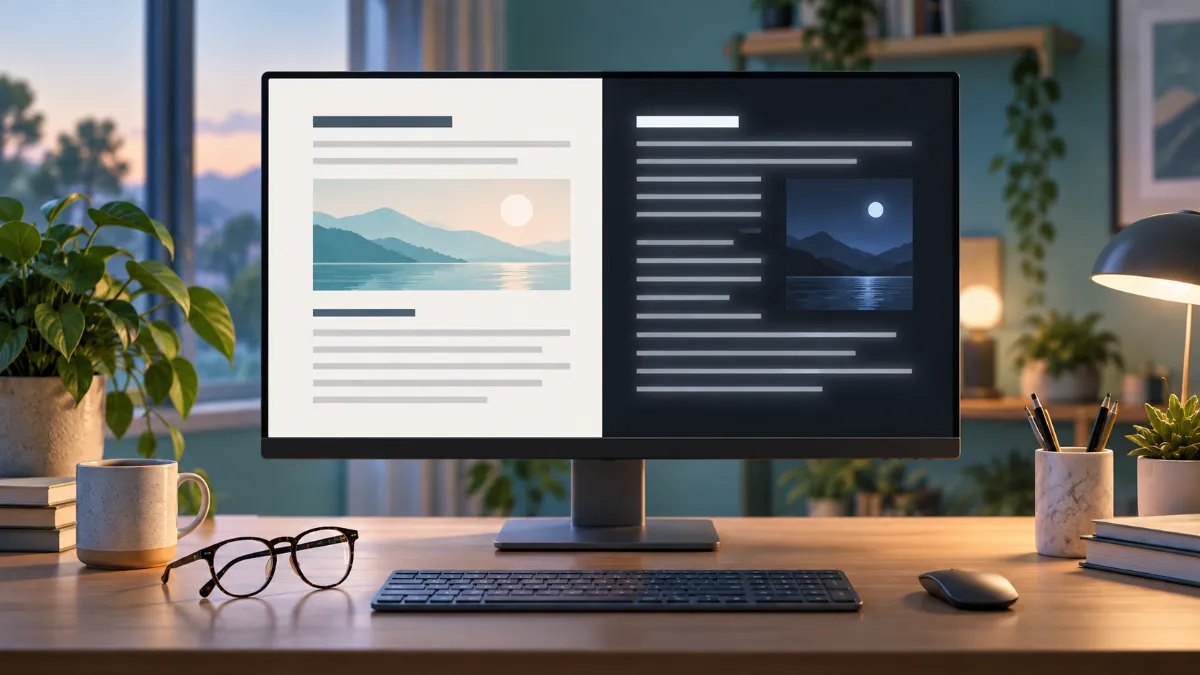
Light and dark themes change more than appearance. The amount and distribution of light entering the eye can affect pupil size and the perception of detail. A laboratory proofreading study found smaller pupils and better performance with dark text on a light background. That finding concerns a specific reading task; it does not establish that dark mode causes eye disease or that everyone should use light mode. Read the display-polarity study.
Does this mean you have astigmatism?
No. Astigmatism is a refractive error that can blur or distort vision, but a preference for light mode cannot diagnose it. An eye examination determines whether a prescription is needed or has changed. People with a known prescription may notice that text is clearer with properly fitted, current glasses. The National Eye Institute explains astigmatism.
Claims that dark mode is always better—or always worse—for astigmatism go beyond the available evidence. A 2025 crossover study of 30 young female tablet users excluded participants with astigmatism and other refractive errors. It therefore cannot answer which theme is best for people with those conditions. Read the tablet study and its eligibility criteria.
Compare readability without turning it into a test
Read comfortably. Keep your shoulders relaxed. Notice whether each letter is easy to distinguish.
Read comfortably. Keep your shoulders relaxed. Notice whether each letter is easy to distinguish.
A practical troubleshooting sequence
- Compare the same text while stationary. If smearing occurs only during scrolling, note the app and display involved; a technical display issue is also possible.
- Increase text size. Do not compensate for tiny lettering by leaning closer for hours.
- Adjust the surroundings. Reduce reflections and avoid making a bright screen the only light in a dark room.
- Notice fluctuations. Record whether ordinary blinking changes clarity. That is useful information for an examination, not a home diagnosis of dry eye.
- Change one setting at a time. Keep a short note of the theme, task and symptoms so you can identify a repeatable pattern.
When settings are not enough
Book an eye examination for recurrent blur, discomfort despite adjustments, or difficulty seeing away from the screen. Sudden vision loss, a painful red eye, new double vision or new flashes with a curtain or shadow in vision need urgent assessment. Do not keep testing screen settings through these symptoms.
Quick answers
Should I force myself to use dark mode?
No. Choose a readable, comfortable theme and reassess your setup if discomfort continues. Preference is not evidence that your eyes are damaged.
Are dark mode and night mode the same?
No. A dark theme changes interface colours; night settings commonly adjust colour temperature. Comfort while reading and sleep timing are separate questions; see our article on night mode and sleep.
For the broader relationship between screens, dryness and focusing effort, read our guide to computer vision syndrome.
This article provides general educational information and does not replace an individual examination. No product has been personally tested for this article. About Meerawell