The 3:00 PM Crash
It starts with a dull ache behind the eyes.
Then, a tightness in the temples.
Finally, the brain fog rolls in. You stare at a line of code or a spreadsheet, but nothing registers.
You think you need more coffee.
You are wrong.
As a medical specialist, I diagnose this differently. You are suffering from Computer Vision Syndrome (CVS), also clinically known as Digital Eye Strain. It is the silent epidemic of the high-performance workforce. And the cure isn’t more caffeine—it’s Physics.
1. The Diagnosis: Is it Computer Vision Syndrome?
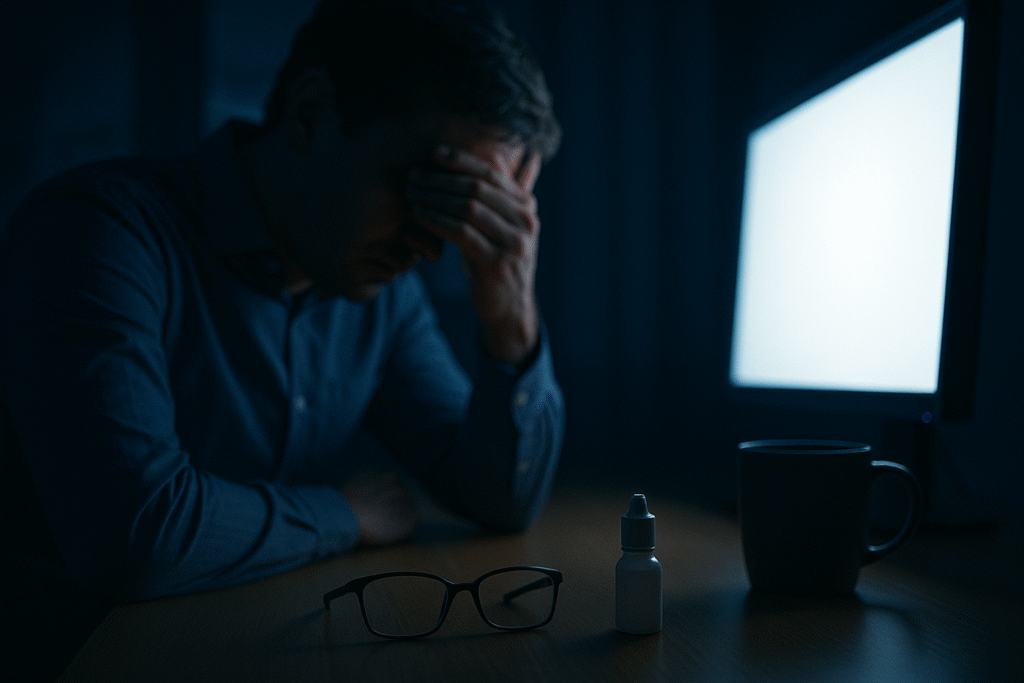
Most of you work in “Cave Mode.”
Dark room. Bright monitor.
You think this focus is “deep work.”
Biologically? It is a disaster.
Here is the physiology behind Computer Vision Syndrome:
- The Screen: Your pupil wants to constrict (shrink) because of the bright light.
- The Room: Your pupil wants to dilate (expand) because of the darkness.
The Result:
Your intrinsic eye muscles oscillate thousands of times per hour. This constant micro-war is called Contrast Glare. According to the American Optometric Association, this is a leading cause of the headaches associated with Computer Vision Syndrome.
2. The Prescription: Asymmetrical Lighting
“Can’t I just use a desk lamp?”
No.
Standard lamps create reflection. They bounce light off your screen and straight into your retina. This creates more glare.
The Solution: The Monitor Light Bar.
These aren’t just fancy accessories. They are optical tools designed with Asymmetrical Projection.
- They sit on top of your screen.
- They cast light down onto your workspace.
- They hit the desk, not the glass.
This creates Bias Lighting—balancing the lux levels of your room and your display to treat Computer Vision Syndrome at the source.
The Medical Benefit:
Zero screen reflection = Zero pupil conflict = Zero strain.
3. The Protocol: Which One To Buy?
I have analyzed the market. Here is the breakdown based on your setup.
Disclaimer: As an Amazon Associate, I earn from qualifying purchases. This means if you click a link and buy a product, I may receive a small commission at no extra cost to you.
Quick Comparison: BenQ vs. Quntis
| Feature | BenQ ScreenBar Halo (Medical Choice) | Quntis Monitor Lamp (Budget Choice) |
| Auto-Dimming | Real-time Sensor | Basic / Manual |
| CRI (Color) | Ra>95 (Clinical Grade) | Ra>80 (Standard) |
| Curved Screen? | Yes (Dedicated Adapter) | No (Risk of Glare) |
| Approx. Price | High (~₹15,000+) | Low (~₹4,000 – ₹5,000) |
Option A: The Medical Standard (High Budget)
Product: Check Price: BenQ ScreenBar Halo
- Why: It features a Back-Light.
- The Science: It illuminates the wall behind your monitor, further reducing the contrast ratio.
- The Tech: Real-time auto-dimming sensor (Ra>95 CRI).
- Verdict: If you stare at screens for 8+ hours, this is non-negotiable.
Option B: The Value Pick (Entry Level)
Product: Check Price: Quntis Computer Monitor Lamp
- Why: It nails the basics of asymmetrical lighting without the premium price.
- The Trade-off: Manual dimming and slightly lower color accuracy (Ra>80).
- Verdict: Perfect for students or home offices on a budget.
4. The “Curved Monitor” Trap (Geometry Matters)
Target Keyword: Curved monitor light bar
Do you use an Odyssey G9 or a curved ultrawide?
Stop.
Standard light bars are built for flat surfaces. If you put a straight bar on a curved screen (1000R or 1500R curvature), two things happen:
- Glare Leaks: The light hits the corners of the curved glass, reflecting straight back into your eyes.
- Instability: The weighted clip cannot grip the curved plastic housing.
The Fix:
You need a specialized adapter designed for Radial Geometry.
- Recommendation: The BenQ ScreenBar Halo is the only mainstream option that ships with a dedicated Curved Monitor Adapter.
- Warning: Do not buy the flat Quntis for a curved screen. It will physically fail.
5. Myth-Busting: Blue Light vs. Glare Spectrum
Let’s clear this up once and for all. There is a difference between Retinal Stress and Circadian Stress.
The Myth: “Blue light damages my eyes.”
The Reality: The sun produces 100x more blue light than your screen. Your retina is fine.
The Real Problem:
Blue light (specifically the 450nm spectrum) suppresses Melatonin. It tricks your brain into thinking it is 12:00 PM when it is actually 12:00 AM. This destroys your sleep architecture.
- For Sleep: You need Ashwagandha Dosage Protocols and warm lighting after sunset.
- For Headaches: You need Glare Reduction (Light Bars) to stop the muscle strain.
Don’t confuse the two. Blue light keeps you awake; Glare makes you hurt.
6. The Action Plan: The “Hard Blink” Protocol
The second pillar of Computer Vision Syndrome is Evaporative Dry Eye.
Scientific studies have shown that when looking at digital screens, your blink rate drops significantly—from 18x/minute down to just 4x/minute (Source: NCBI Study on Blink Rate).
Your tear film has three layers:
- Mucin (Base): Sticks tears to the eye.
- Aqueous (Middle): Water/Hydration.
- Lipid (Top): Oil that prevents evaporation.
When you don’t blink, the Lipid Layer disintegrates. The water evaporates. Your eyes burn.
The Tap Water Mistake (WARNING)
I see patients daily who splash tap water on their open eyes to “relieve pain.”
Do not do this.
Tap water is Hypotonic (low salt), while your tears are Isotonic. Splashing water creates an osmotic imbalance that swells your corneal cells and washes away the protective Mucin and Lipid layers. Worse, tap water contains chlorine and microorganisms like Acanthamoeba which can cause blinding infections.
The Correct Routine: The 20-20-20 Hard Blink
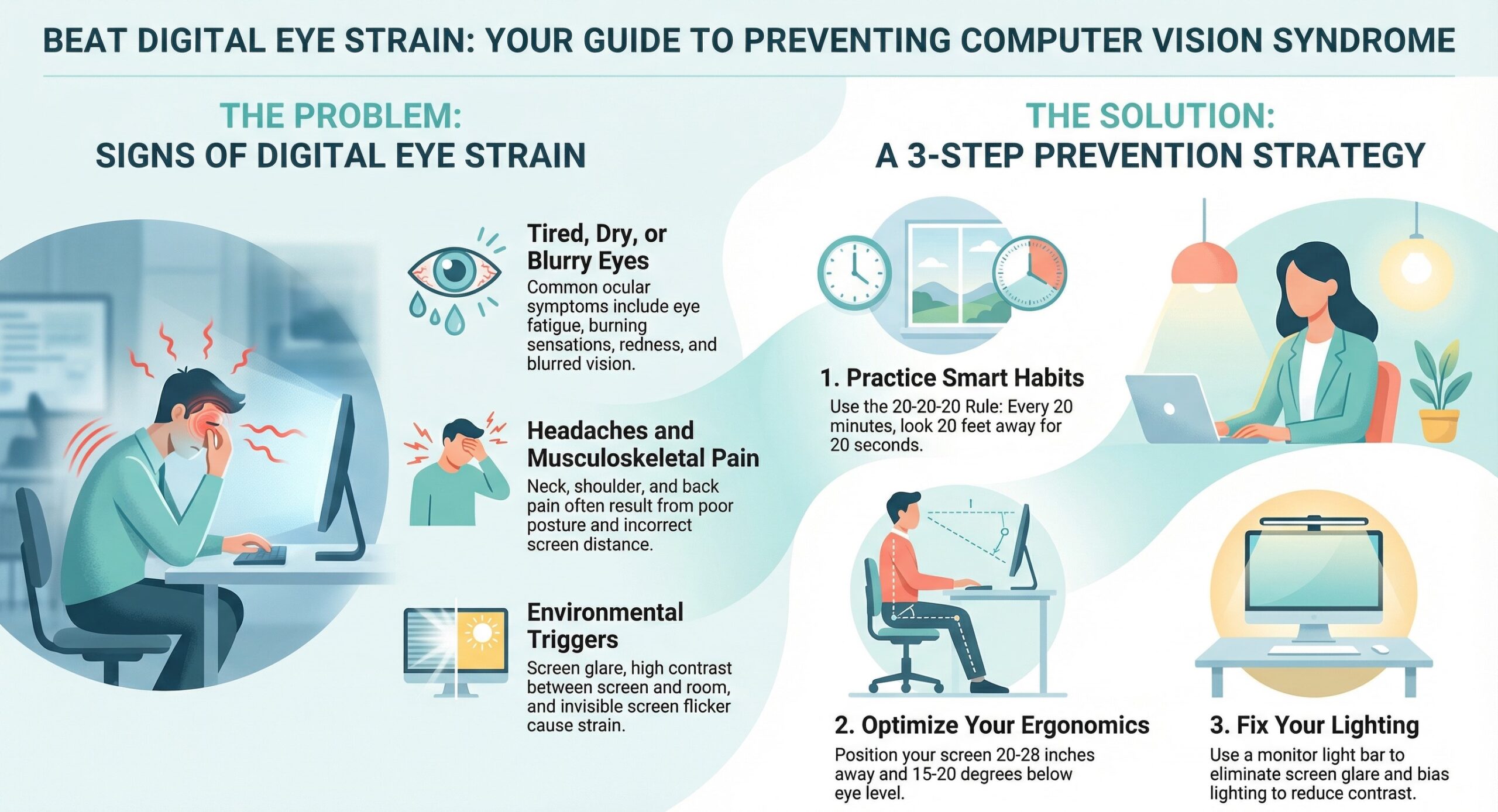
- Every 20 minutes, look 20 feet away.
- The Modification: Close your eyes and squeeze tight for 2 seconds.
- Repeat 5 times.
Why the squeeze?
Unlike a soft blink, a “Hard Blink” physically exerts pressure on the Meibomian Glands in your eyelids. This mechanically pumps fresh oil onto the surface of your eye, restoring the lipid barrier.
Summary
You wouldn’t run a marathon in flip-flops.
Don’t code in a dark cave.
If you have already optimized your Ergonomic Chair and your Nutrition Protocol, the final piece of the puzzle is your Optical Environment.
Your Ocular Stack:
- Hydrate: Use Carboxymethylcellulose (CMC) 1% drops (Preservative-Free).
- Recommendation: Refresh Liquigel (Preservative Free).
- Note: Avoid tap water splashes.
- Illuminate: BenQ ScreenBar Halo.
- Blink: The “Hard Blink” Protocol to pump the lipid layer.
Invest in your eyes. They are the only pair you get.
(Medical Disclaimer: This article is for educational purposes and does not constitute medical advice. If you experience sudden vision loss or flashing lights, consult an ophthalmologist immediately.)